Free AI Voice Over Generator for Video & Content: The Practical 2026 Guide
Video content is exploding, but not everyone has the time, budget, or confidence to record professional voice overs.
Hiring voice actors is expensive. Recording yourself takes multiple takes, soundproofing, and editing.
This is where a Free AI Voice Over Generator changes the game.
Thanks to rapid advances in artificial intelligence, modern AI voice over tools can now produce natural, human-like speech
that works perfectly for videos, marketing content, online courses, and social media.
In this guide, we will explore what AI voice over generators are, why they matter, how they work,
and how you can use them effectively for real-world content creation.
As a platform dedicated to reviewing and comparing AI solutions for businesses and individuals,
ai.duythin.digital helps you cut through marketing hype,
save research time, and make informed decisions backed by Vietnam’s growing AI community.
What Is an AI Voice Over Generator?
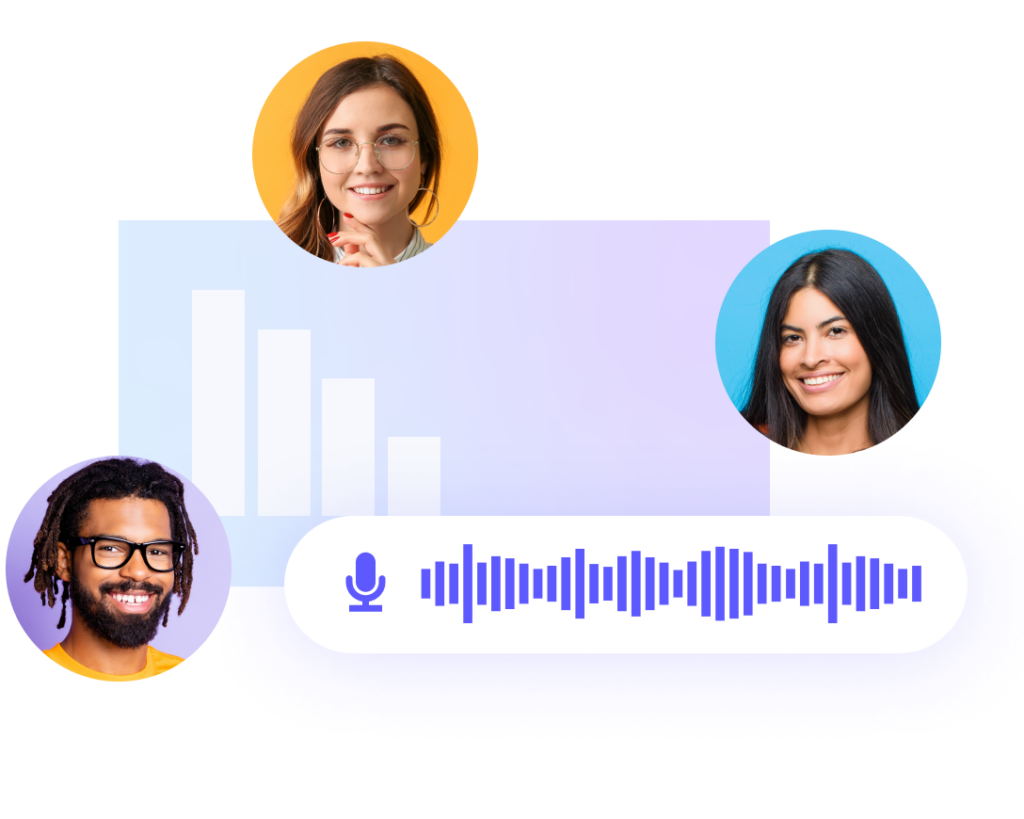
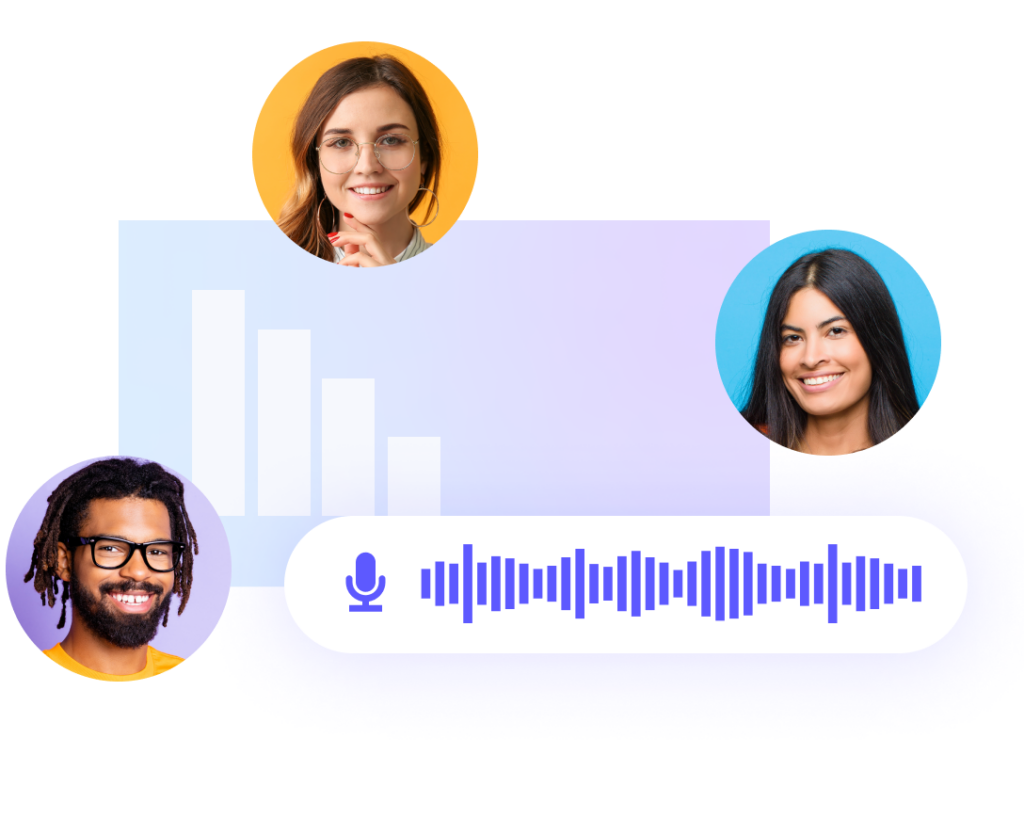
An AI voice over generator is a software tool that converts written text into spoken audio using artificial intelligence.
Unlike traditional text-to-speech systems that sound robotic and flat, modern AI voice generators rely on deep learning models
trained on thousands of hours of real human speech.
The result is speech that sounds more natural, expressive, and conversational.
Some tools can even adjust tone, pacing, emphasis, and emotional delivery, making them suitable for professional content.
How AI Voice Over Technology Works
Behind the scenes, most free AI voice over generators use neural text-to-speech (Neural TTS) technology.
This approach analyzes text at a linguistic level, predicts how a human would speak it,
and generates audio waveforms that closely resemble real speech patterns.
The typical workflow looks like this:
- You enter or paste your script into the AI voice generator.
- You select a voice, language, and accent.
- The AI model processes pronunciation, rhythm, and intonation.
- The system generates an audio file you can download or sync with video.
According to a 2024 report by MarketsandMarkets, the global text-to-speech market is expected to surpass
$7 billion by 2026, driven largely by demand from content creators, educators, and businesses.
AI Voice Over vs Human Voice: Key Differences
AI voice over generators are not meant to replace human voice actors entirely,
but they offer clear advantages in many scenarios.
- Cost: AI voice tools are significantly cheaper, with many offering free plans.
- Speed: Generate narration in minutes instead of days.
- Scalability: Easily create voice overs for hundreds of videos.
- Consistency: Maintain the same voice across all content.
For fast-paced digital content like YouTube videos, TikTok clips, product explainers, and internal training,
AI voice overs often make more business sense.
Why Use a Free AI Voice Over Generator?
The appeal of a free AI voice over generator goes beyond saving money.
It removes friction from the content creation process and opens the door for creators who may not have access
to recording equipment or professional voice talent.
Key Benefits for Creators and Businesses
- No microphone, studio, or editing software required
- Instant narration for videos, presentations, and ads
- Multiple languages and accents for global audiences
- Easy updates when scripts change
As HubSpot notes in its video marketing benchmarks, videos with clear narration
increase viewer retention by up to 35% compared to silent or text-only videos.
Real-World Use Cases
Free AI voice over generators are now used across many industries:
- YouTube & TikTok: Narrated shorts, faceless videos, explainers
- Marketing: Product demos, social ads, landing page videos
- Education: E-learning modules, tutorials, micro-lessons
- Business: Internal training, onboarding videos, presentations
A growing number of solo creators report that AI voice tools allow them to publish
two to three times more content without increasing production costs.
Key Features to Look for in a Free AI Voice Generator
Not all free AI voice over generators are created equal.
Some focus on ease of use, while others prioritize voice realism or language support.
Understanding the key features helps you choose the right tool for your needs.
Voice Quality and Naturalness
The most important factor is how natural the voice sounds.
Look for tools that offer neural voices with smooth pacing and realistic intonation.
Avoid generators that produce monotone or mechanical speech.
Language and Accent Support
If your audience is global, multilingual support is critical.
Many modern tools support English, Vietnamese, Spanish, and dozens of other languages.
Customization Options
Even on free plans, good AI voice generators allow basic customization such as:
- Speech speed
- Pitch adjustment
- Pauses and emphasis
Commercial Usage Rights
This is a common limitation. Some free tools restrict commercial use.
Always check whether you can legally use the generated voice in monetized videos or ads.
As an AI reviewer at ai.duythin.digital notes:
“The best free AI voice tools are transparent about licensing.
Hidden restrictions often matter more than voice quality.”
Free vs Paid AI Voice Over Tools: What’s the Difference?
Free AI voice over generators are excellent for testing, small projects, and early-stage creators.
However, they usually come with limitations that paid plans remove.
| Feature | Free Tools | Paid Tools |
|---|---|---|
| Voice Variety | Limited | Extensive |
| Monthly Usage | Capped | High or Unlimited |
| Commercial Rights | Sometimes Restricted | Included |
| Audio Quality | Standard | Studio-grade |
For many creators, starting with a free AI voice over generator is the smartest move.
Once content scales or brand consistency becomes critical, upgrading makes sense.
In the next section, we will review and compare the best free AI voice over generators available today,
highlighting their strengths, limitations, and ideal use cases.
Best Free AI Voice Over Generators (Reviewed & Compared)
With dozens of tools on the market, choosing the right free AI voice over generator can feel overwhelming.
Below is a practical comparison of some of the most widely used and trusted platforms, based on hands-on testing,
user feedback, and feature transparency.
Quick Comparison Overview
| Tool | Free Plan Limit | Languages | Voice Quality | Best For |
|---|---|---|---|---|
| Biteable | Limited exports | Multiple | High | Marketing videos |
| Mango AI | Usage capped | 30+ | Very natural | Video narration |
| Clipchamp | Free voices | 20+ | Good | Beginners |
| Canva | Limited voices | Multiple | High | Social media content |
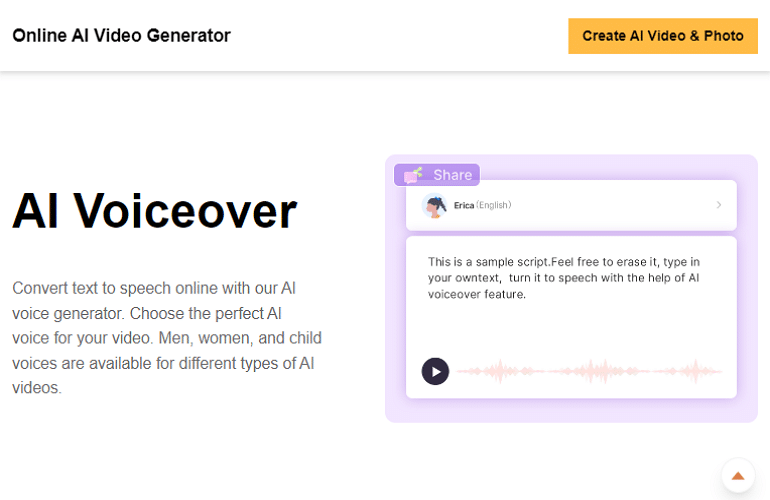
Biteable AI Voice Over
Biteable integrates AI voice over directly into its video creation platform,
making it ideal for marketers who want speed and simplicity.
The voices sound clear and professional, especially for explainer-style videos.
Pros:
- Easy-to-use interface
- Clean, professional narration
- Fast video-to-voice workflow
Cons:
- Export limits on free plan
- Fewer advanced voice controls
Mango AI Voice Generator
Mango AI is designed specifically for video narration and shines when it comes to natural-sounding speech.
Its voices have better pacing and emotional balance than many free alternatives.
Best suited for: YouTube narrations, educational videos, and faceless content.
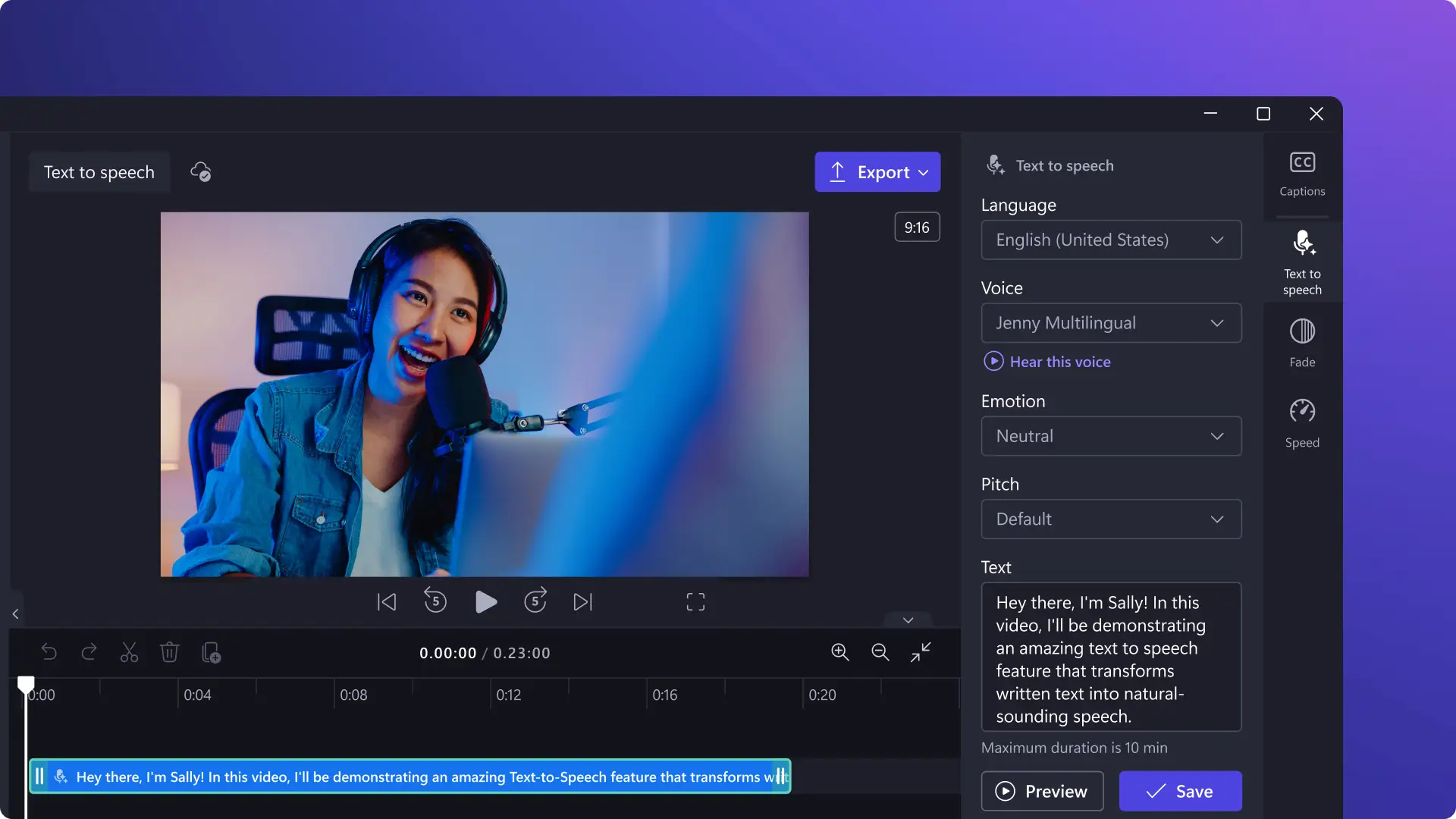
Clipchamp AI Voice
Clipchamp, part of the Microsoft ecosystem, is often the first AI voice tool beginners encounter.
It offers basic but reliable voices and integrates well with simple video editing workflows.
Canva AI Voice Generator
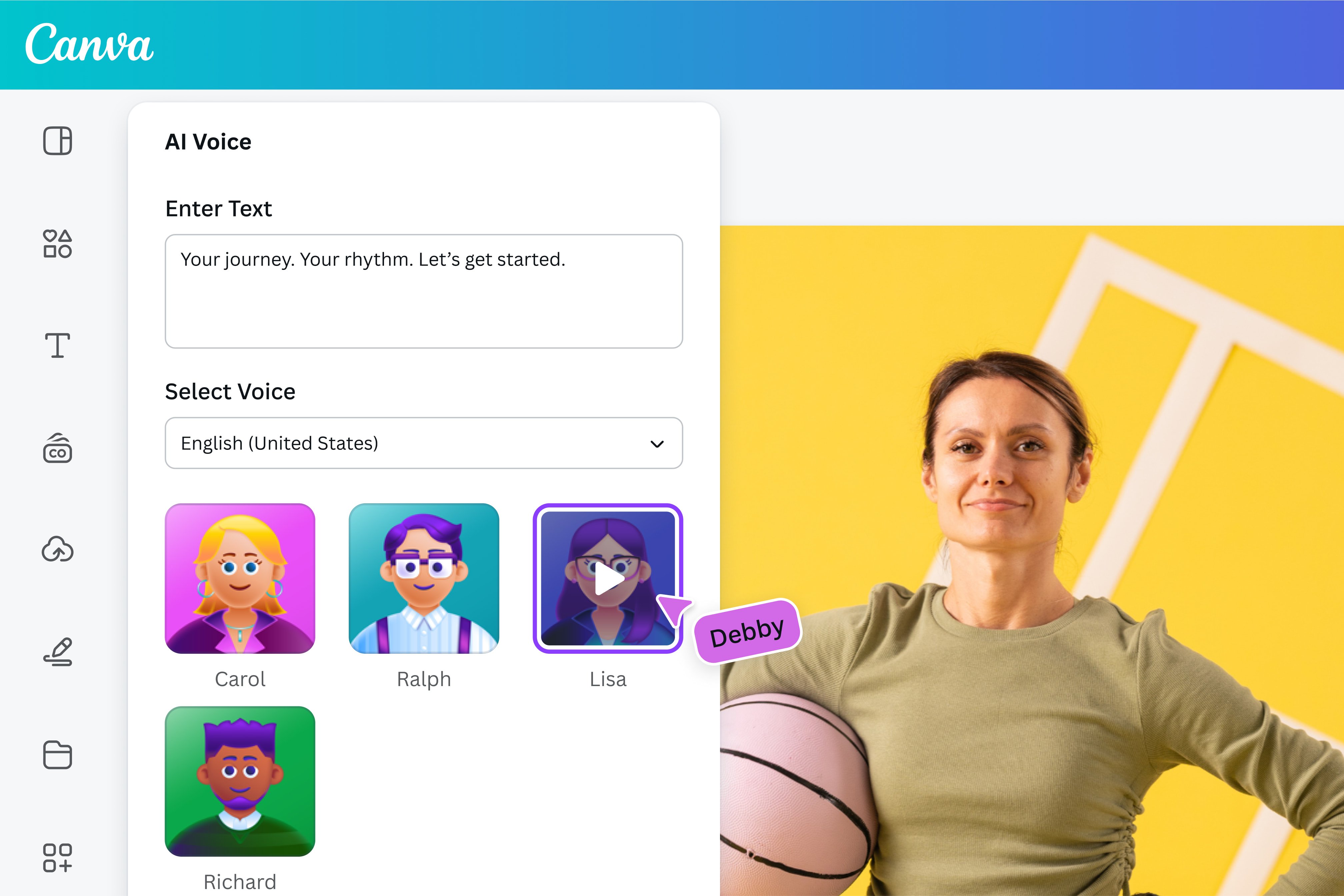
Canva’s AI voice generator stands out for creators who already design within Canva.
The ability to combine visuals, animations, and voice in one place is a major productivity boost.
How to Use a Free AI Voice Over Generator (Step-by-Step)
Step 1: Write a Voice-Friendly Script
AI voices sound most natural when scripts are conversational.
Use short sentences, clear punctuation, and avoid complex jargon.
Step 2: Choose the Right Voice
Match the voice to your audience and content style.
A calm, neutral voice works well for tutorials, while energetic tones fit social media videos.
Step 3: Adjust Settings
Even small tweaks to speed and pauses can significantly improve the listening experience.
Step 4: Export and Sync
Download the audio file and align it with your visuals using your preferred video editor.
Using Free AI Voice Over Generators for Business
For startups and small businesses, AI voice over tools reduce production costs while maintaining professionalism.
They are commonly used for:
- Product demos
- Sales presentations
- Internal training
- Customer onboarding videos
According to Deloitte’s 2024 AI adoption report,
companies using AI-generated media cut content production time by an average of 40%.
Limitations of Free AI Voice Over Tools
While free tools are powerful, they are not perfect.
- Monthly usage caps
- Limited voice options
- Restricted commercial licenses
- Lower audio resolution
These limitations are acceptable for testing and small projects but may hinder long-term scaling.
How ai.duythin.digital Helps You Choose the Right AI Tool
At ai.duythin.digital,
we specialize in reviewing AI tools with transparency and real-world testing.
Our platform compares features, pricing, and licensing so you can make confident decisions without trial and error.
“AI adoption succeeds when tools are chosen strategically, not impulsively.”
– AI Research Community Vietnam
Frequently Asked Questions (FAQ)
Are free AI voice over generators really free?
Yes, but most include limits on usage, voices, or commercial rights.
Can I use AI voice overs for monetized YouTube videos?
Some tools allow it, others require paid plans. Always review the license terms.
Do free AI voice generators support Vietnamese?
Several modern tools now support Vietnamese, though voice quality may vary.
Is AI-generated voice legal?
Yes, as long as you follow licensing terms and avoid impersonation or restricted voices.
Final Thoughts: Choosing the Best Free AI Voice Over Generator
A free AI voice over generator is no longer a novelty.
It is a practical tool that empowers creators, educators, and businesses to produce audio content faster and more affordably.
Start with free tools, test voice quality and licensing, and scale when your content demands it.
With the right approach, AI voice technology becomes a long-term productivity advantage.
Ready to explore the best AI solutions without wasting time?
Visit ai.duythin.digital
and discover in-depth reviews, honest comparisons, and expert insights tailored for real users.