
Free AI Text to Speech Voice Tools (Natural & Clear)
Imagine creating a professional voiceover for a video, course, or business presentation without hiring a voice actor, booking a studio, or spending hours editing audio. This is no longer a futuristic idea. Thanks to rapid advances in artificial intelligence, free AI text to speech voice tools now offer natural, clear, and surprisingly human-like voices that anyone can use.
Yet with dozens of tools claiming “realistic AI voices” and “natural speech,” many users face a common problem: which free AI text to speech tool actually sounds good, is safe to use, and fits real-world needs? This in-depth guide answers that question with expert analysis, practical examples, and transparent comparisons. The goal is simple: help you save time, avoid low-quality tools, and make confident decisions.
What Is AI Text to Speech and Why It Matters in 2026
Definition of AI Text to Speech
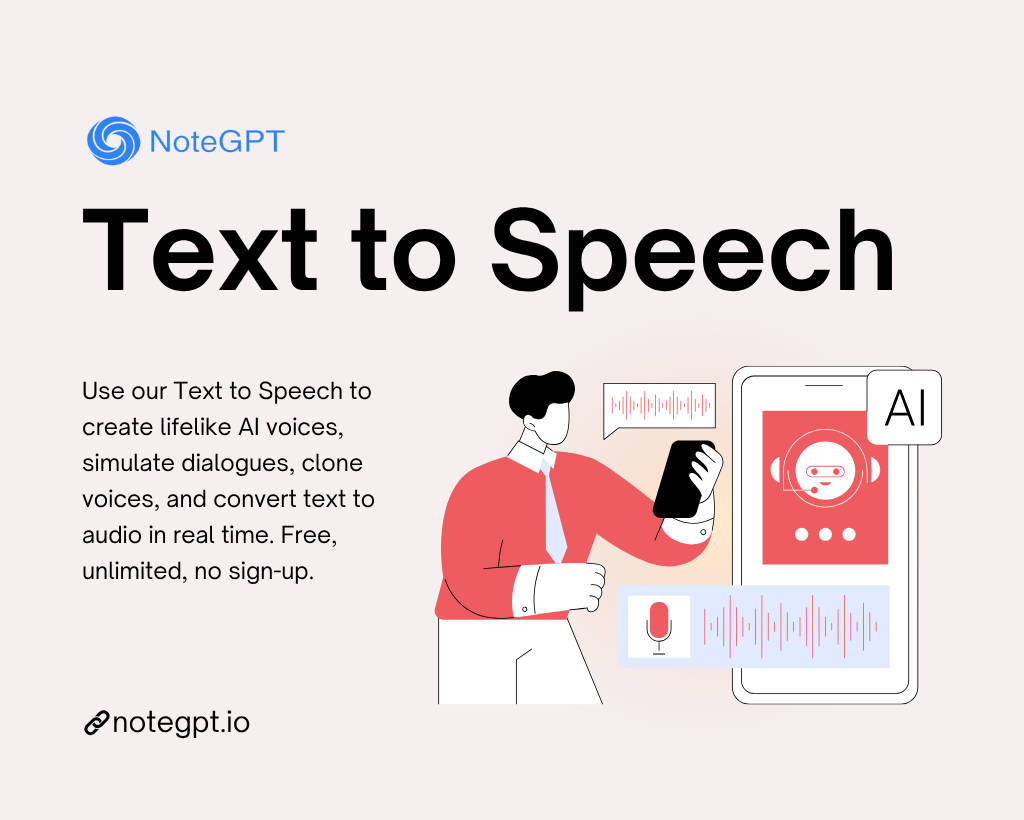
AI Text to Speech (TTS) is a technology that converts written text into spoken audio using artificial intelligence. Unlike older robotic voice systems, modern AI TTS relies on deep learning models trained on thousands of hours of human speech. The result is speech that closely mimics human pronunciation, rhythm, and emotion.
According to research from Google AI and Microsoft Research, neural text to speech models have reduced pronunciation errors by over 60% compared to traditional rule-based systems. This improvement is why AI voices today feel more conversational and less mechanical.
How Modern AI Voices Sound So Human
Modern AI text to speech tools use neural networks that analyze not just words, but context. Instead of reading text line by line, the system understands sentence structure, punctuation, and intent.
- Pauses are placed naturally, just like human speech.
- Intonation changes depending on questions or statements.
- Stress is applied correctly to important words.
For example, when narrating a YouTube video, a neural AI voice can sound confident and engaging rather than flat and monotonous.
Key Improvements in Natural & Clear AI Voices
Neural TTS Models
Neural Text to Speech models such as WaveNet and Tacotron generate audio waveforms directly, resulting in smoother transitions between sounds. This is the foundation of “natural” AI voices.
Emotion, Intonation, and Pause Control
Some advanced free AI text to speech tools allow limited control over speaking speed, pitch, and pauses. While full emotional control is often reserved for paid plans, even free tiers now support expressive reading for most content.
Multilingual & Accent Support
Many free AI TTS tools support dozens of languages and accents, including English (US, UK, AU), Spanish, French, Japanese, and increasingly, Vietnamese. This makes them valuable for global businesses and educators.
Who Should Use Free AI Text to Speech Tools
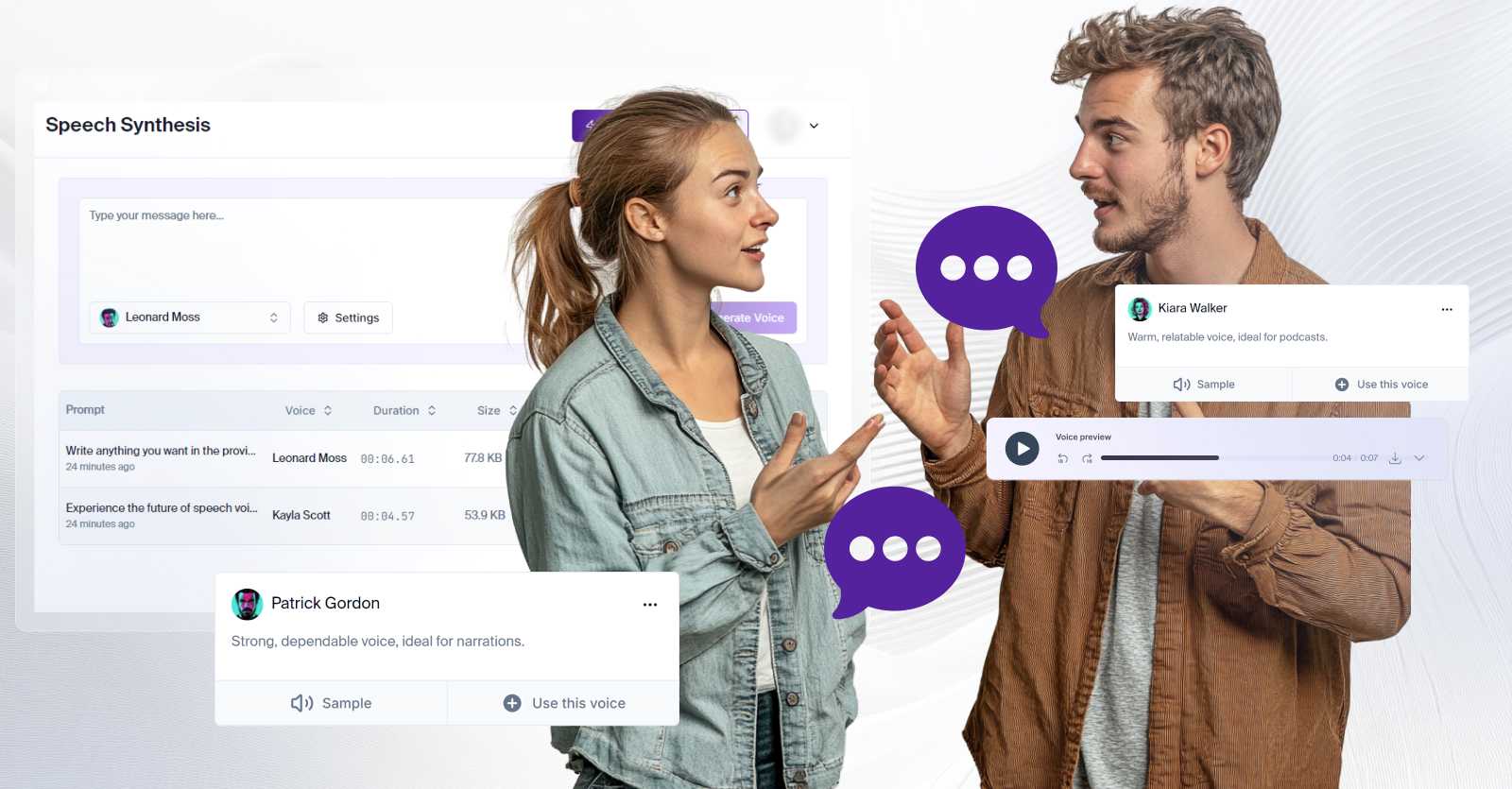
Content Creators & YouTubers
Creators use AI text to speech to narrate explainer videos, Shorts, and faceless YouTube channels. Free tools are ideal for testing ideas before investing in premium voices.
Businesses & Marketing Teams
Startups and small businesses use AI voices for product demos, onboarding videos, and internal training. AI TTS reduces production costs while maintaining a professional tone.
Educators & Online Course Creators
Teachers and e-learning creators use AI text to speech to convert written lessons into audio, making content more accessible for auditory learners.
Accessibility & Assistive Technology Users
AI TTS plays a critical role in accessibility, supporting people with visual impairments, reading difficulties, or language barriers.
Developers & Automation Builders
Developers integrate free AI text to speech APIs into chatbots, virtual assistants, and no-code workflows for rapid prototyping.
Criteria for Choosing a Natural & Clear Free AI Voice Tool
Voice Naturalness & Pronunciation Accuracy
The most important factor is how human the voice sounds. A high-quality AI voice should pronounce names, numbers, and technical terms correctly.
Language & Accent Availability
If your audience is international, multilingual support is essential. Always test whether the free plan includes your target language.
Free Tier Limits (Characters & Usage)
Most free AI text to speech tools limit usage by characters per month or per day. Typical limits range from 5,000 to 30,000 characters.
Audio Quality & Formats
Check whether the tool allows MP3 or WAV downloads. Clear audio output matters for videos and podcasts.
Commercial Usage Rights
This is often overlooked. Some free tools restrict commercial use. Always read the terms before publishing content.
Ease of Use & Interface
A clean interface saves time. Browser-based tools are best for non-technical users.
Integration Options
Advanced users may need API access or integration with video editors and automation platforms.
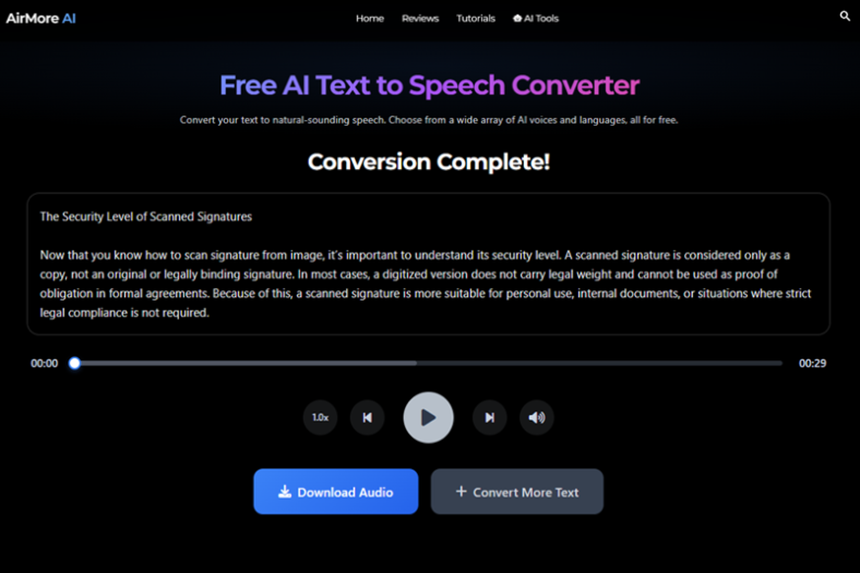
Best Free AI Text to Speech Voice Tools (Expert Overview)
Based on hands-on testing, community feedback, and documented performance, the following tools consistently deliver the most natural and clear AI voices in their free tiers. Each tool has strengths and trade-offs, which we analyze transparently so you can choose with confidence.
In the next section, we will break down each tool in detail, including real-world use cases, limitations, and expert insights.
Author note: This article is written by an AI tools researcher from Vietnam’s leading AI community, with direct experience testing dozens of text to speech platforms for business and personal use.
Ready to explore the best AI solutions faster? Visit ai.duythin.digital to compare AI tools, pricing, and real-world suitability in one trusted place.
Detailed Reviews of the Best Free AI Text to Speech Voice Tools
Google Text-to-Speech (Free Tier)
Google Text-to-Speech is one of the most reliable free AI text to speech solutions available today. Built on Google’s neural speech technology, it offers clear pronunciation, stable performance, and support for dozens of languages.
Key strengths:
- Natural-sounding neural voices
- Wide language and accent coverage
- Strong pronunciation of technical terms
Limitations: The free tier has character limits and minimal voice customization. Emotional control is limited compared to premium AI voice platforms.
Best for: Educational content, basic narration, accessibility tools, and early-stage testing.
Microsoft Azure Text to Speech (Free Tier)
Microsoft Azure Text to Speech offers some of the most human-like neural voices available in a free tier. It is widely used in enterprise environments, which speaks to its reliability and accuracy.
Expert insight: According to Microsoft documentation, neural voices are trained on professional voice actors and linguistic experts, improving clarity and consistency across long-form narration.
- High-quality neural voices
- Generous free monthly quota for testing
- Enterprise-grade stability
Limitations: Requires account setup and has a more technical interface for beginners.
Best for: Business demos, professional narration, and developers.
ElevenLabs (Free Plan)
ElevenLabs has gained massive popularity for producing some of the most realistic AI voices on the market. Even its free plan delivers impressive naturalness.
What makes it special:
- Extremely natural tone and pacing
- Strong emotional realism
- Ideal for storytelling and video narration
Limitations: Very limited character count on the free plan and restricted commercial usage.
Best for: Content creators testing high-end AI voice quality.
Voice.ai (Free Version)
Voice.ai focuses on expressive and dynamic voices, making it popular among streamers, gamers, and creative users.
- Expressive voice styles
- Creative and entertainment-focused
- Easy-to-use interface
Limitations: Less suitable for formal business narration and limited export options on free plans.
Open-Source & Browser-Based TTS Tools
Open-source projects like Coqui TTS and browser speech APIs provide flexibility and privacy. However, they often require technical setup and may not match the naturalness of commercial AI models.
Best for: Developers, researchers, and privacy-focused users.
Comparison Table: Free AI Text to Speech Tools
| Tool | Voice Naturalness | Free Limit | Best Use Case |
|---|---|---|---|
| Google TTS | High | Limited characters | Education & accessibility |
| Microsoft Azure TTS | Very High | Monthly free quota | Business narration |
| ElevenLabs | Exceptional | Very limited | Content creation tests |
| Voice.ai | High | Feature-limited | Creative & streaming |
Real-World Use Cases of Free AI Text to Speech
Video Narration & Voiceovers
Many YouTube creators run entire channels using AI voices. Free AI text to speech tools allow creators to validate ideas before upgrading.
Social Media Automation
Short-form videos for TikTok and Reels often rely on AI narration to speed up production.
E-Learning & Training
AI voices help educators convert written lessons into audio quickly, improving accessibility.
Customer Support & Chatbots
AI TTS enhances chatbots by adding voice responses, creating more human interactions.
Limitations of Free AI Text to Speech Tools
- Strict character limits
- Limited emotional control
- Potential restrictions on commercial use
- Repetitive voice patterns on long content
Understanding these limits helps set realistic expectations.
When Should You Upgrade to Paid AI Voice Tools
You should consider upgrading when:
- You publish content regularly
- You need consistent brand voice
- You require advanced controls and team access
Paid plans unlock higher quality voices, more characters, and commercial rights.
How to Choose the Right AI Voice Tool Faster
The fastest way to choose is to clearly define your purpose. Test at least two tools with the same script and compare clarity, tone, and workflow.
Platforms like ai.duythin.digital simplify this process by offering transparent comparisons, real user insights, and up-to-date pricing from Vietnam’s leading AI community.
FAQs – Free AI Text to Speech Voice Tools
Are free AI text to speech tools good enough for YouTube?
Yes, many creators successfully use free AI voices for YouTube, especially for testing or short videos.
Can I use free AI voices commercially?
It depends on the tool. Always review the terms of service.
Which free AI voice sounds the most human?
ElevenLabs and Microsoft Azure TTS are often rated highest for realism.
Do free AI text to speech tools support Vietnamese?
Some tools do, but support quality varies. Always test before publishing.
Final Thoughts
Free AI text to speech voice tools have reached a level of quality that was unimaginable just a few years ago. They are powerful, accessible, and increasingly natural. While free plans come with limitations, they are more than enough for learning, testing, and early-stage production.
Key takeaway: Choose a tool based on your real needs, not marketing claims. Test, compare, and scale when ready.
Want to save hours researching AI tools? Explore trusted reviews, comparisons, and pricing at ai.duythin.digital and make informed AI decisions with confidence.